

The network showed 'connected' - it was actually limping along in half-duplex mode

A site’s network connection quality had been unreliable for a while - intermittent slowness, connection timeouts, but never a true, complete disconnection. The link status always read “connected.” This class of “sometimes bad, but never completely broken” symptom is exactly the hardest kind to troubleshoot: a full outage gets noticed immediately, while this half-alive state tends to get written off as “the network’s just a bit flaky” and shelved.
Ruling out the most obvious suspect first
The standard first move was tried: rebooting the firewall. The symptom did briefly improve, then crept back after a while - a sign this wasn’t a one-off fluke, but an ongoing, unresolved root cause.
A different angle: not “is it connected,” but “is the connection any good”
There’s a layer of checking often overlooked between “the link looks connected” and “the link actually works properly”: whether Ethernet speed and duplex mode actually match on both ends. If the two ends of a link negotiate mismatched duplex modes (one full-duplex, one half-duplex), the connection still establishes and status still reads normal - but half-duplex mode can’t send and receive simultaneously, and once traffic picks up even slightly, collisions start occurring, triggering heavy retransmission - which shows up exactly as intermittent slowness and occasional timeouts. That matched this symptom precisely.
Using the firewall’s built-in hardware diagnostic command to check the actual negotiated state of the relevant interface directly:
get hardware nic wan1The result showed this interface had negotiated 100Mbps speed, Half duplex - and that was exactly the problem.
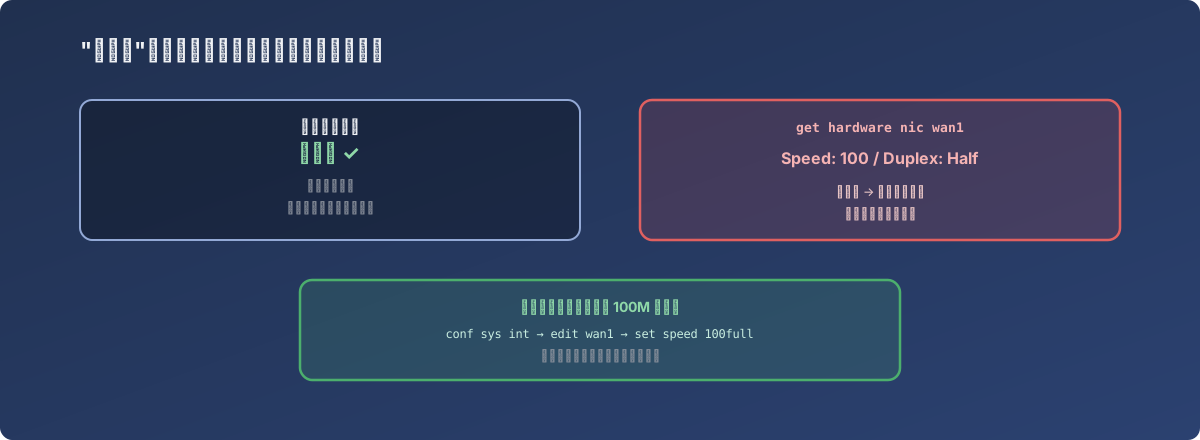
“Connected” only guarantees the link was established - it says nothing about whether it’s working decently
The fix
Manually entering the interface configuration and forcing speed and duplex from auto-negotiation to an explicit 100Mbps full-duplex:
conf sys int
edit wan1
set speed 100full
Once manually set, both ends of the link no longer needed to guess each other’s capability through auto-negotiation, and the intermittent slowness and timeouts disappeared.
Lessons
- “Connection status is normal” and “connection quality is normal” are judgments at two different levels - a link status light or status display can only answer the first one. Many of the issues that actually affect user experience happen entirely within the “already connected” premise, and link status alone can’t surface them;
- Auto-negotiation carries a real chance of settling on a mismatched speed or duplex mode when device models, drivers, or cable quality differ between the two ends. This kind of negotiation failure usually isn’t logged as an “error,” because the link genuinely does establish - it’s just running at a fraction of its efficiency, which makes it easy to overlook for a long time;
- When troubleshooting a network problem that’s “sometimes bad but never fully broken,” it’s worth checking the physical/link-layer negotiation result, not just routing and firewall policy further up the stack. The root cause here was in neither the routing table nor the security policy - it was in the duplex setting, at the lowest level and the easiest one to skip checking.