

Three ways to get your content out of OneNote (including Obsidian Importer)

OneNote is the hardest of my three note sources to migrate — Microsoft provides no markdown export at all. Three routes work; choose by how many notes you have.
Route A: Obsidian Importer (recommended first try)
Obsidian’s official Importer plugin supports OneNote directly:
- Install the official Importer plugin in Obsidian;
- Choose OneNote and sign in with your Microsoft account (it reads cloud notebooks via Microsoft Graph);
- Pick the notebooks/sections to import; they arrive as markdown in your vault, images included.
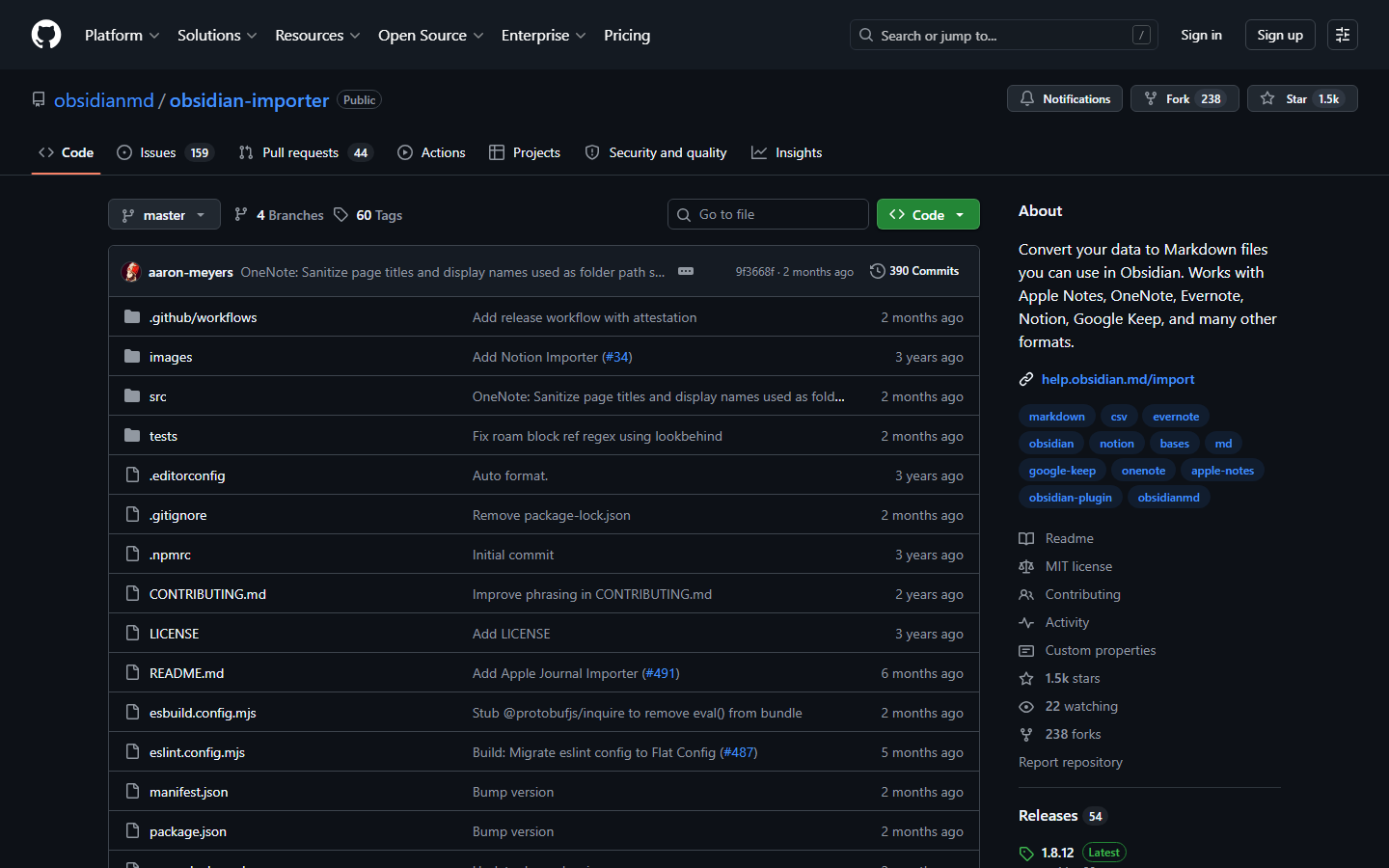
The official importer repo — OneNote, Google Keep and Evernote are all on the supported list
Pros: no OneNote desktop install needed, reads the cloud directly, output is already markdown — just copy the publishable ones into the blog.
Caveat: it only imports notebooks that live on OneDrive — purely local notebooks must be synced up first.
Route B: OneNoteMdExporter (bulk, fully automatic)
alxnbl/onenote-md-exporter on GitHub:
- A C# command-line tool that requires the desktop OneNote (the Win32 version, not the Store one);
- Exports whole notebooks into markdown or Joplin format, preserving hierarchy and images.
Best when you have a large corpus and want a one-shot full export.
Route C: Via Word (a few hand-picked notes)
If you only want to rescue a handful of pages, the crudest way is fastest:
- In desktop OneNote: File → Export, format Word (.docx);
- Convert with pandoc:
pandoc note.docx -t gfm --extract-media=./img -o note.md--extract-media pulls the embedded images into a folder and rewrites the references.
Shared pitfalls
- Handwriting / ink: no route exports it as text — it becomes an image or disappears. Pages with ink need manual review;
- Tables: complex ones almost always need hand-fixing after conversion;
- Free-form layout: OneNote lets you scatter text boxes anywhere; linear markdown may scramble their order. Read everything once after importing.
My pick: Route A for a full import into Obsidian as the archive, then curate the publishable pieces from there.