

Migrating Miro mindmaps: REST API to markmap

Miro can only export mindmaps as images or PDF — useless for migration. But it has a REST API that returns the node tree, so we convert it ourselves. The target format is this site’s markmap embed: an indented markdown list.
Step 1: Get an API token
- Open developers.miro.com and sign in with your Miro account;
- Create an app (any name for personal use) with just the
boards:readscope; - Install the app to your own team and grab the access token. Works on the free plan.
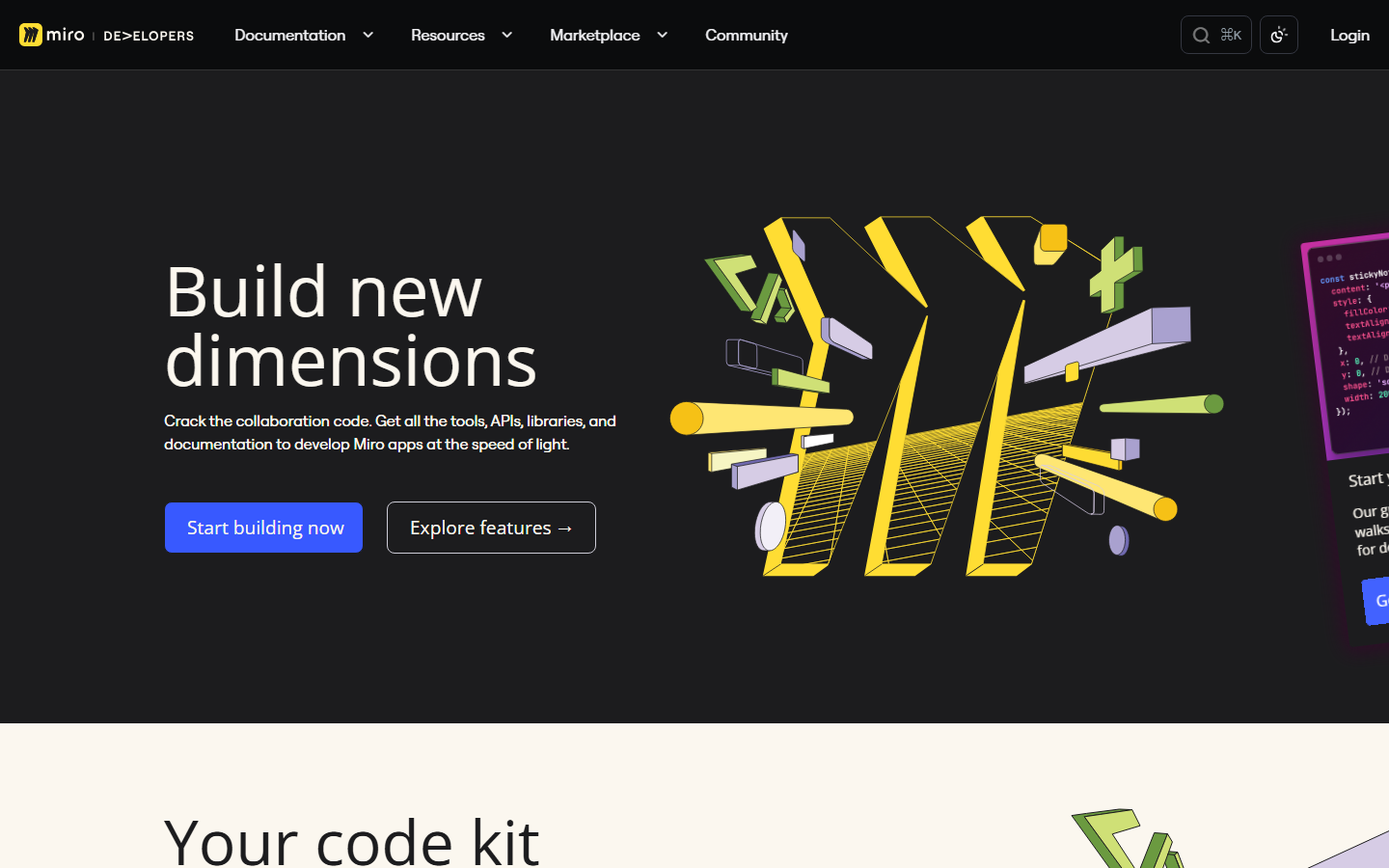
developers.miro.com — create the app, get the token, read the API reference, all here
Step 2: Find the board and its nodes
List your boards to locate the one holding the mindmap:
$headers = @{ Authorization = "Bearer $env:MIRO_TOKEN" }
Invoke-RestMethod -Uri "https://api.miro.com/v2/boards" -Headers $headers |
  Select-Object -ExpandProperty data | Select-Object id, name
Then pull the board’s mindmap nodes. Note: the mindmap node API is currently in Miro’s experimental channel — check the official reference for the current endpoint and fields. The essentials are stable: each node carries its text content and a parent reference, enough to rebuild the whole tree.
Step 3: Node tree → markdown list
Once you have nodes plus parent-child relations, conversion is one recursion:
function toMarkdown(node, depth = 0) {
  const lines = ['  '.repeat(depth) + '- ' + node.text];
  for (const child of node.children) {
    lines.push(...toMarkdown(child, depth + 1));
  }
  return lines;
}
Paste the output into a ```markmap block and the Miro diagram comes alive on the blog — now as searchable, diffable plain text.
If you only have a couple of maps: do it by hand
With two or three diagrams, skip the code: retype the structure as an indented list while looking at Miro. Ten minutes. Save the API route for many maps, or for ongoing syncing.
The goal of migration isn’t “moved” — it’s maintaining things in one place only. Once migrated, archive the Miro originals so the two copies never drift.