

Google Keep migration guide: Takeout export to Markdown

Moving notes out of Keep (into this blog, or into Obsidian) follows a fixed route: Takeout export → conversion script. No third-party service ever touches your data.
Step 1: Export with Takeout
- Open takeout.google.com;
- Click “Deselect all”, then tick only Keep;
- Choose zip as the format and create the export — with a modest number of notes the email arrives in minutes.
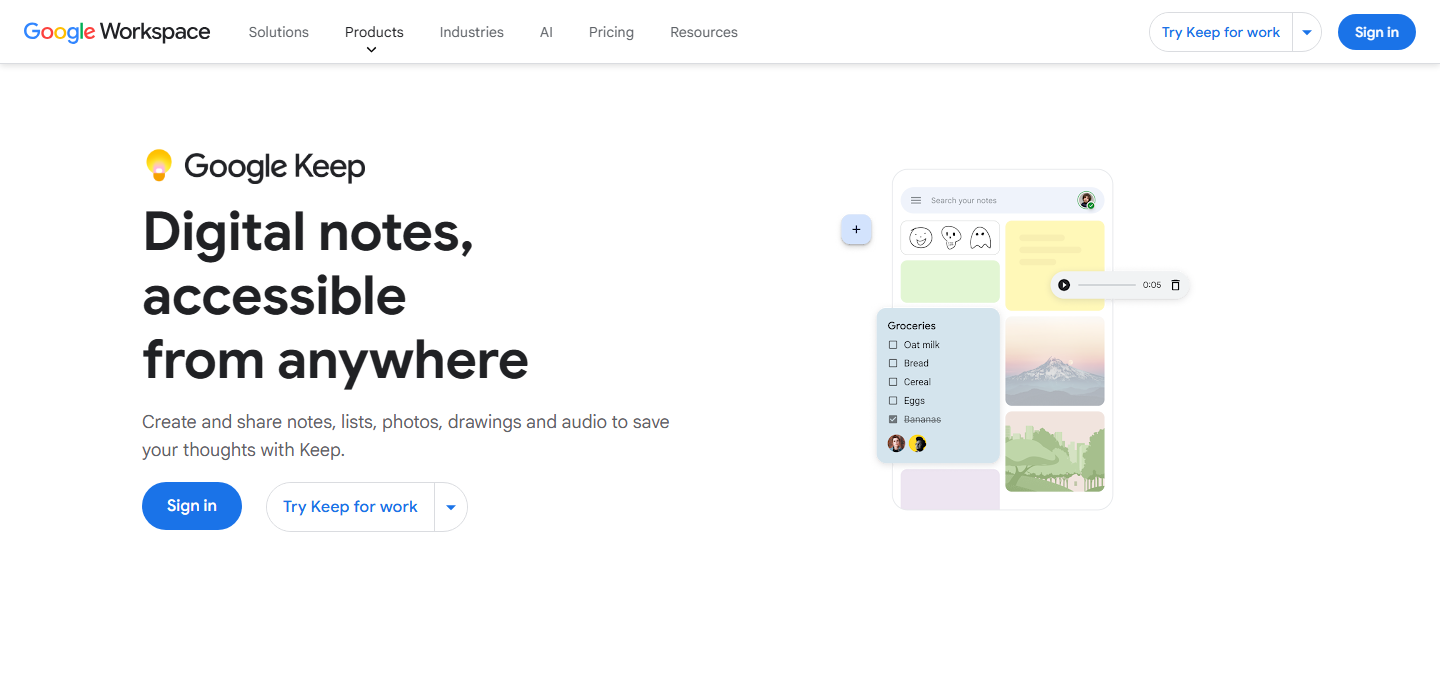
Everything in Keep — including image attachments and checklist states — ends up in the Takeout bundle
Step 2: Understand the export
After unzipping, each note has two files: .html (for reading) and .json (for conversion). The JSON looks roughly like:
{
  "title": "FortiGate HA heartbeat gotcha",
  "textContent": "note body…",
  "labels": [{ "name": "networking" }],
  "isTrashed": false,
  "isArchived": false,
  "userEditedTimestampUsec": 1719800000000000
}
Key points:
- Regular note bodies are in
textContent; checklist notes uselistContent(an array oftext+isCheckeditems); - Skip anything with
isTrashed: true; - Image attachments are in
attachments, sitting in the same folder; - Keep labels map directly onto blog tags.
Step 3: The batch conversion script
The core logic is a few dozen lines of Node (something like scripts/keep2md.mjs):
import fs from 'node:fs';
import path from 'node:path';

const src = './Takeout/Keep';
const out = './inbox';

for (const f of fs.readdirSync(src).filter(f => f.endsWith('.json'))) {
  const note = JSON.parse(fs.readFileSync(path.join(src, f), 'utf8'));
  if (note.isTrashed) continue;

  const date = new Date(note.userEditedTimestampUsec / 1000)
    .toISOString().slice(0, 10);
  const tags = (note.labels ?? []).map(l => l.name);
  const body = note.textContent
    ?? (note.listContent ?? [])
      .map(i => `- [${i.isChecked ? 'x' : ' '}] ${i.text}`)
      .join('\n');

  const md = `---\ntitle: ${note.title || '(untitled)'}\ndate: ${date}\ntags: [${tags.join(', ')}]\ndraft: true\n---\n\n${body}\n`;
  fs.writeFileSync(path.join(out, f.replace('.json', '.md')), md);
}
Everything lands in inbox/ with draft: true by default — conversion is batch, curation is human. Move the publishable ones into src/content/posts/ and keep the rest as a private archive.
A prediction
Keep notes are mostly one-line reminders; maybe two or three in ten can grow into an article. Don’t expect full automation — the conversion just gets the raw material ready.