

A routine network asset scan turned up a router with no admin password set at all

A routine network asset scan of an overseas branch office was run with a simple goal: figure out exactly what devices were actually sitting on that subnet. The scan wasn’t chasing any specific fault - it was purely a stocktake. What it turned up was something genuinely worth taking seriously: the router acting as the network’s gateway had never had a password set on its admin panel.
A routine scan, an unplanned finding
Running a full network scan across the subnet surfaces useful information: how many devices are online, each one’s manufacturer, and any open management ports (some devices expose an HTTP admin interface, for instance). This scan found that, alongside the expected staff PCs and printers, the consumer-grade router serving as the outbound gateway had a web admin interface with zero authentication - anyone who could reach that page could walk straight into the admin panel with no password at all, and change DNS, port forwarding, the WiFi password, or anything else.
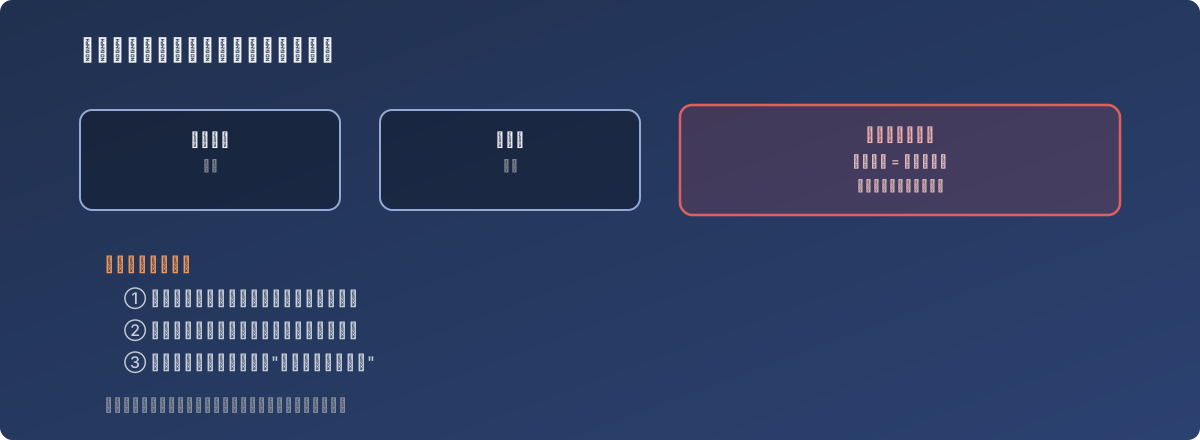
Nobody was looking for it, but the door had been open the whole time
Why this class of device slips through
- It kept working normally. The router’s actual job - getting the office online - showed no visible issue at all, so day-to-day use gave no hint that its admin panel had no password protection;
- Consumer-grade devices rarely make it into a company’s regular asset review. Enterprise firewalls and switches usually have a defined inspection and hardening process, but a consumer router bought on short notice to “get a branch office connected” tends to get treated as invisible infrastructure - plugged in once and never touched again;
- There’s no alerting mechanism. Firewalls and EDR tools tend to have alerts to lean on for misconfiguration, but whether a forgotten consumer router’s admin interface is wide open is something that never proactively notifies anyone.
The fix
A strong password was set on the device’s admin panel, and it was confirmed that the management interface wasn’t exposed to the public internet (accessible only from the internal network). As a follow-on action, the same scan pass was used to check open ports and default credentials on other devices on the subnet, to catch similar oversights elsewhere before they became separate incidents.
Lessons
- “Nothing has gone wrong” doesn’t mean “there’s no exposure.” This router’s wide-open admin panel may have existed for a considerable time - it simply hadn’t been exploited yet. The value of a routine scan is converting that luck into a problem that can actually be fixed proactively;
- Once a consumer-grade device joins the corporate network, it should be held to the same security baseline as enterprise equipment. Being “cheap, temporary, good enough” is not a reason to quietly lower security expectations for it - especially for a device acting as a gateway with direct public-internet exposure;
- A routine asset scan run with no specific problem in mind is itself a proactive security measure. Most network troubleshooting only happens after something breaks, but an inspection like this one - “nothing’s broken, just want to see what’s actually out there” - is often the only real opportunity to catch this kind of silent exposure.