

Fixing a printer's scan-to-email feature: don't guess field by field, copy the config from the one that works

A multifunction printer’s “Scan to Email” feature wouldn’t configure correctly, and there was a long list of settings involved: SMTP server address, port number, whether to enable an encrypted connection (SSL), whether authentication was required, the authentication credentials, the encryption method, and more. For this kind of configuration with multiple interdependent parameters, guessing which specific field is wrong and testing combinations one at a time is extremely inefficient.
A ready-made reference: another unit of the same model, working fine
As it happened, another multifunction printer of the exact same model was on-site, with scan-to-email working perfectly. Rather than continuing to guess and adjust one field at a time on the broken unit, the more direct move was: copy the entire SMTP configuration from the working machine over to the problem machine, verbatim - server address, port, encryption method, authentication details, all of it, rather than cherry-picking a few fields that “look important” to compare.
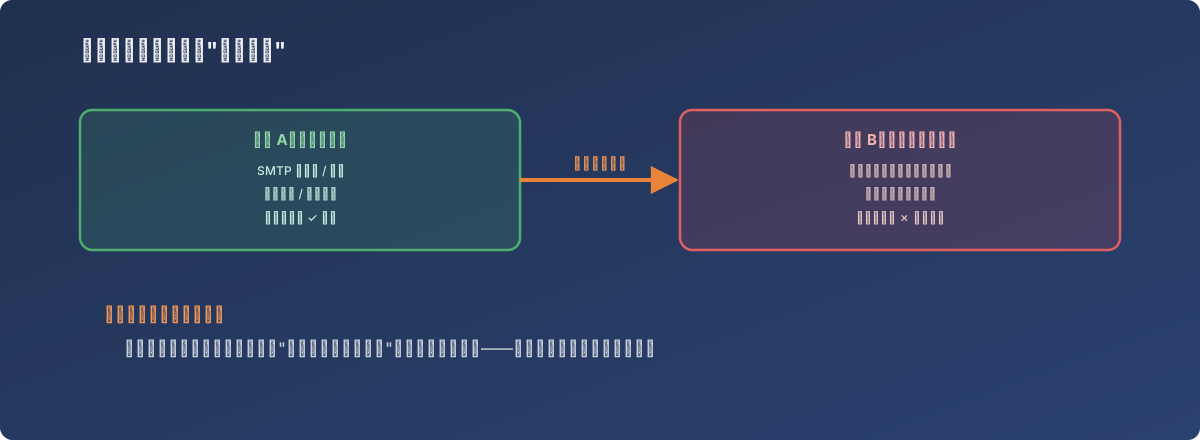
Same model on both sides means “copying the answer” is a legitimate move here
Why “wholesale copy” beats “item-by-item troubleshooting”
- A misconfiguration in a multi-parameter setting is often not a single field being wrong, but the relationship between several fields. Port number and encryption method have to match, and the authentication username format has to satisfy what the mail server expects - relationships like these are hard to judge correct or incorrect by looking at any one field in isolation;
- Having a verified-working unit of the same model is effectively having an answer key. There’s no need to individually verify each field’s correctness - as long as both configurations match exactly, the correctness already proven on the working machine carries over directly;
- The cost of copying a configuration is far lower than the time cost of debugging each field. Especially once a problem machine has already eaten up significant troubleshooting time with no progress on individual fields, a wholesale copy is the more efficient path.
Once the configuration was copied over, the previously misconfigured machine’s scan-to-email feature started working normally.
Lessons
- When there’s a verified-working “answer key” available, don’t rush into troubleshooting from scratch - check whether it can just be reused first. A full configuration comparison between identical-model devices is one of the most efficient troubleshooting approaches, provided the model and firmware version are close enough to match;
- For a misconfiguration involving multiple interdependent parameters, “wholesale replacement” often reaches an answer faster than “item-by-item debugging.” Adjusting a single field at a time easily leads to situations like “this field looked fine, but changing it fixed it anyway” that are hard to explain even after the fact - a full replacement skips that entirely;
- When troubleshooting time or resources are limited, “is there a ready-made example I can just reference” is worth asking early in the process. The ready-made example here was sitting in the same office - a lot of the time, the gap in troubleshooting efficiency just comes down to whether anyone thought to glance at the device next to it first.